
You unboxed your Black Diamond Spot headlamp only to face confusing flashes and buttons that do not seem to work as expected. This common frustration happens when you lack a clear guide for its specific modes and locking features.
This article explains exactly how to use the Black Diamond Spot headlamp to control brightness, activate red night vision, and prevent battery drain. You will learn simple steps to master every function for your next adventure.
Activate Power and Master Basic Controls
Turning on your light requires a specific action rather than a simple tap. Understanding this difference prevents confusion when you first handle the device in the dark.
Press and Hold to Start the Light
You must press and hold the single front button for one second to activate the unit. The light defaults to full white brightness to ensure maximum visibility immediately. Repeating this press-and-hold action turns the device off completely. A quick tap does nothing, so ensure you apply firm pressure for the full duration.
Verify Battery Installation First
Ensure three AAA batteries are inserted with correct polarity before attempting to power on. The compartment markings indicate the right direction for the positive and negative ends. If the light fails to start, check that the batteries are fresh and the contact points are clean. Corrosion or dead cells will stop the unit from functioning regardless of your button technique.
Navigate White Light Modes and Brightness Levels
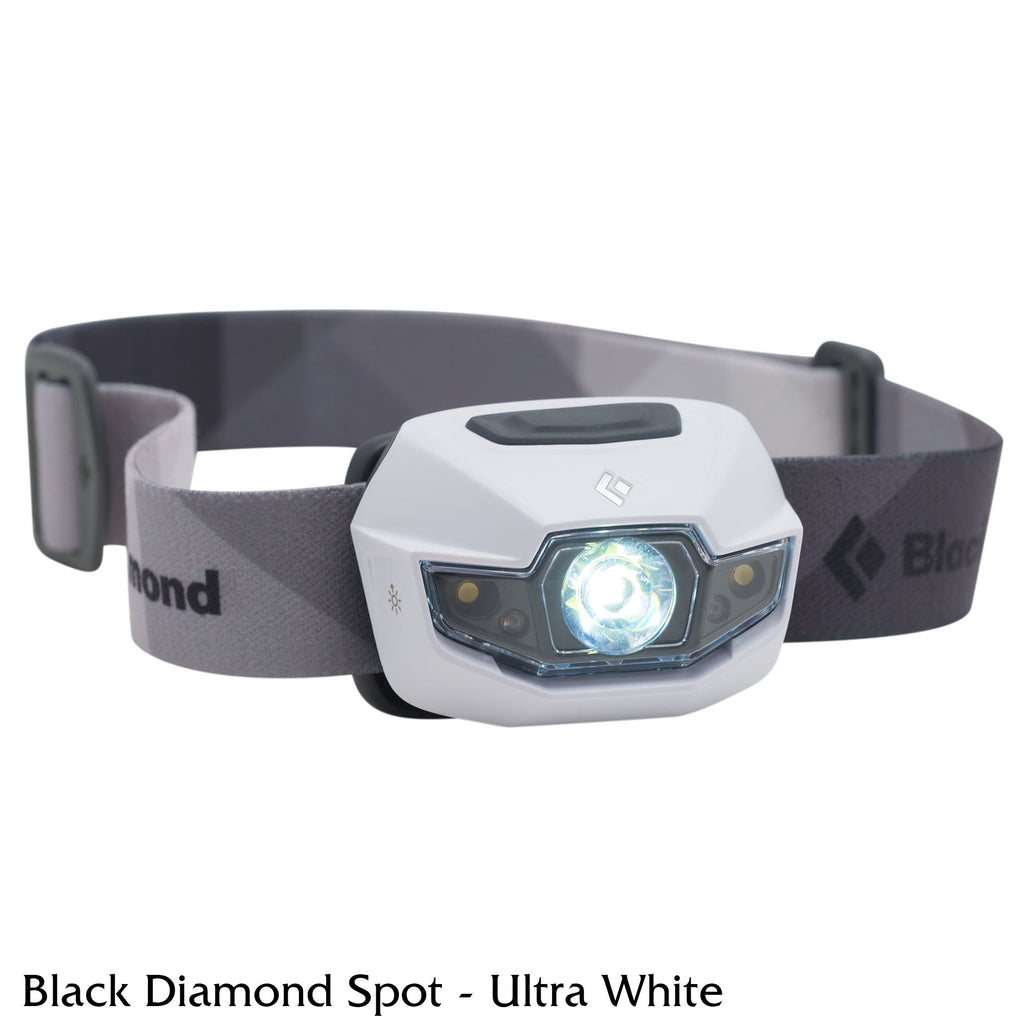
Once powered on, you can cycle through various settings to match your environment. Knowing the sequence helps you find the right light level without wasting battery power.
Cycle Through Flood and Strobe Settings
Tap the button quickly after turning the light on to switch between available white light modes. The sequence moves from full brightness flood to a dimmed energy-saving setting. Continuing to tap activates the strobe mode for emergencies before cycling back to off. Remember that this model uses a flood beam only and does not offer a focused spotlight option.
Understand the Default Beam Pattern
The Black Diamond Spot headlamp provides a wide flood beam ideal for close-range tasks. This design illuminates a broad area rather than focusing on a distant point. You will notice the light spreads evenly across your path or workspace. This makes it perfect for reading maps, cooking, or navigating crowded campsites.
Engage Red Night Vision Mode Effectively
Red light preserves your natural night vision and prevents blinding others nearby. Accessing this feature requires a specific button combination while the unit is off.
Activate Steady Red Light
Turn the headlamp off completely before pressing and holding the button for two seconds. This action switches the LED from white to a steady red glow. You can then tap the button to toggle between steady red, red strobe, and off. Returning to white light requires another press-and-hold sequence from the off position.
Why Red Light Matters Outdoors
Red wavelengths minimize pupil constriction so your eyes stay adjusted to the dark. This feature is essential for stargazing, reading maps at night, or moving inside a tent. Using red mode ensures you do not lose your night adaptation after turning off your light. It also shows respect to fellow campers who need to maintain their own night vision.
Adjust Fit and Angle for Optimal Illumination

A secure fit and proper beam angle make the difference between a useful tool and a frustrating distraction. Small adjustments ensure the light stays where you need it.
Secure the Headband Properly
Slide the elastic band over your head with the lamp centered directly on your forehead. Pull the rear strap section to tighten the fit for running or loosen it for casual walking. The goal is a snug fit that does not bounce but remains comfortable for hours. A loose headband causes the beam to wobble, making it hard to see clearly.
Tilt the Housing for Targeted Light
Pivot the lamp housing up or down to direct the beam exactly where you look. Tilt it upward to see distant trail markers or downward for reading and cooking tasks. The hinge clicks into place to hold the angle without needing extra tools. Avoid forcing the hinge past its natural range to prevent mechanical damage over time.
Prevent Accidental Activation with Lock Mode
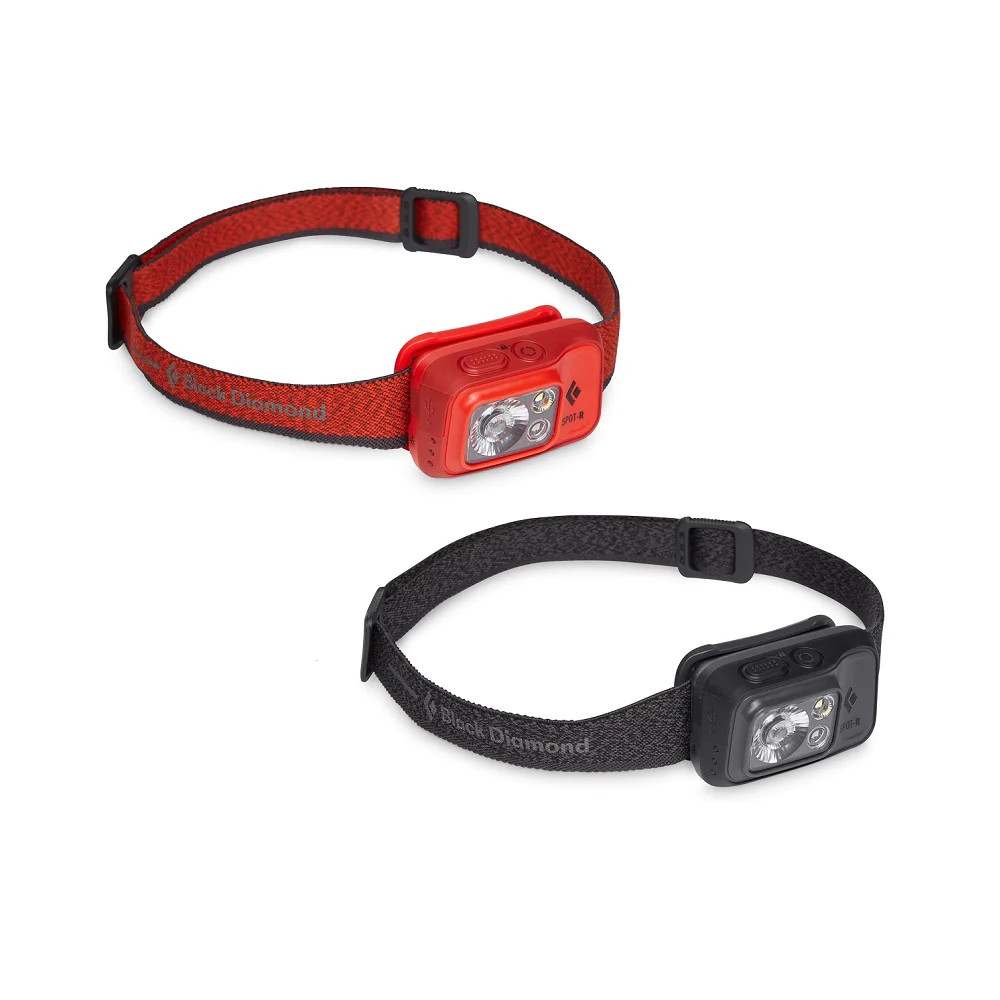
Accidental activation inside a backpack drains batteries and creates heat risks. The lockout feature stops this from happening during storage or travel.
Engage the Lockout Feature
Turn the light off and press and hold the button for four seconds to engage the lock. You will see the red LED flash twice to confirm the unit is locked. pressing the button normally will produce no response while this mode is active. This simple step saves your batteries from draining unexpectedly in your gear.
Unlock the Device for Use
Press and hold the button for two seconds to unlock the headlamp when you are ready to use it. A single red flash indicates the unit is now active and responsive. You can now operate the light using standard press-and-hold or tap commands. Making this a habit ensures your light is always ready when you need it most.
Maximize Battery Life and Runtime
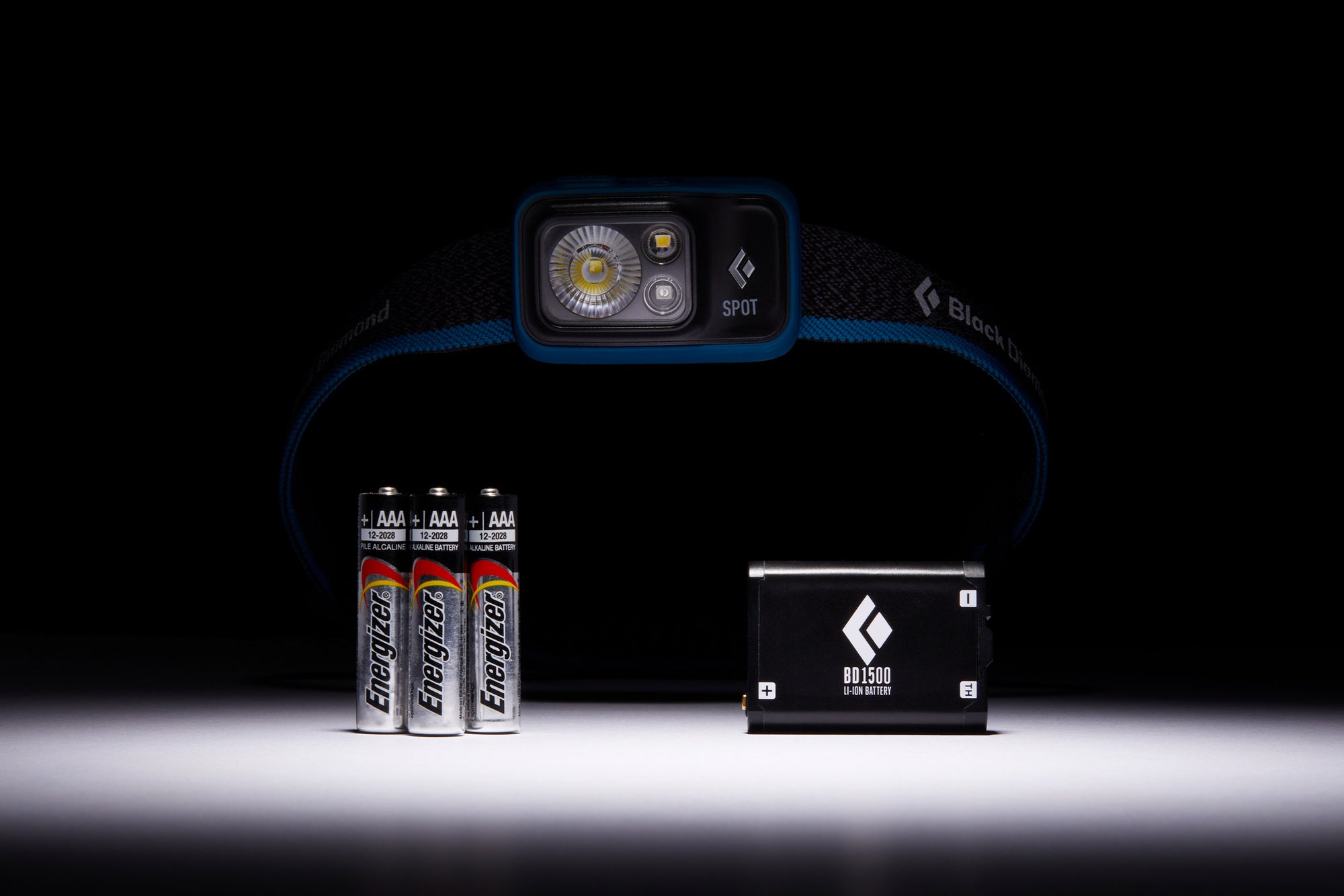
Choosing the right power source and mode extends how long your light lasts in the field. Smart habits can turn a five-hour runtime into days of use.
Select the Best Battery Type
Alkaline batteries work well for occasional use, while lithium options perform better in cold weather. Rechargeable NiMH batteries offer a cost-effective solution for frequent users who drain power often. Never mix old and new batteries or combine different chemistries in the same compartment. Doing so reduces efficiency and increases the risk of leakage damaging your unit.
Estimate Runtime by Usage Mode
| Mode | Approximate Runtime |
|---|---|
| Full White | 5 hours |
| Dimmed White | Up to 200 hours |
| Red Steady | 40 hours |
| Red Strobe | 60 hours |
Use dimmed or red modes whenever full brightness is unnecessary to conserve power. This strategy is critical for multi-day trips where recharging or replacing cells is not an option.
Troubleshoot Common Operational Issues
Even reliable gear can encounter issues that simple checks can resolve quickly. Follow these steps to diagnose and fix common problems.
Diagnose Power Failure
Check if batteries are depleted, inserted incorrectly, or if contacts are corroded if the light will not start. Ensure the unit is not stuck in lock mode by holding the button for two seconds. Test with a fresh set of batteries if the initial checks do not restore function. Cleaning metal contacts with a dry cloth often resolves connection issues caused by dirt.
Fix Intermittent Flashing
Flickering usually indicates low battery power or loose connections inside the compartment. Reseat the batteries firmly and wipe down the terminals to ensure a solid connection. If the problem persists after cleaning and replacing power sources, the unit may require professional service. Regular maintenance prevents most of these minor electrical glitches from occurring.
Maintain and Store Your Headlamp Correctly
Proper care extends the life of your gear and ensures it works when you need it most. Simple cleaning and storage habits protect the internal components.
Clean After Every Outdoor Trip
Wipe the lens and body with a damp cloth to remove dirt, sweat, and salt residue. Avoid submerging the unit in water even though it has water-resistant ratings. Prolonged soaking can compromise the seals and allow moisture to damage the electronics. Keeping the exterior clean ensures the beam remains bright and unobstructed.
Store Without Batteries for Long Periods
Remove the batteries if you plan to store the headlamp for more than a month. Keep the device in a cool, dry place away from direct sunlight or extreme heat. Always engage the lock mode before placing it in your gear bag. Leaving batteries inside during long storage increases the risk of corrosion damaging the contact points.
Frequently Asked Questions About Black Diamond Spot Headlamp
How do I turn on the red light on my Black Diamond Spot?
Turn the headlamp off completely, then press and hold the main button for two seconds. The light will switch to red mode, which you can cycle through by tapping the button.
Why won’t my Black Diamond Spot headlamp turn on?
Check that your three AAA batteries are fresh and inserted with the correct polarity. Ensure the unit is not in lock mode by holding the button for two seconds to unlock it.
Can I use rechargeable batteries in the Black Diamond Spot?
Yes, you can use NiMH rechargeable AAA batteries, which are eco-friendly and cost-effective for frequent use. Just ensure you do not mix them with alkaline or lithium batteries in the same compartment.
How long does the battery last on the Black Diamond Spot?
Runtime varies by mode, lasting about 5 hours on full white brightness and up to 200 hours on dimmed settings. Red light modes offer between 40 and 60 hours of use depending on whether you use steady or strobe.
Does the Black Diamond Spot have a lock mode?
Yes, you can lock the unit by turning it off and holding the button for four seconds until the red light flashes twice. This prevents accidental activation while the light is stored in your pack.
Is the Black Diamond Spot waterproof?
The headlamp is water-resistant and can handle rain or snow, but it should not be submerged in water. Always dry the unit thoroughly after exposure to moisture to maintain its integrity.
Key Takeaways for Using Your Black Diamond Spot Headlamp
Mastering the press-and-hold activation and mode cycling ensures you get the most from your Black Diamond Spot headlamp. Remember to use red light for night vision and engage the lock feature to save battery life during storage. Regular maintenance and proper battery selection will keep your light reliable for years of adventures. Start by testing these modes today so you are prepared for your next trip into the dark.